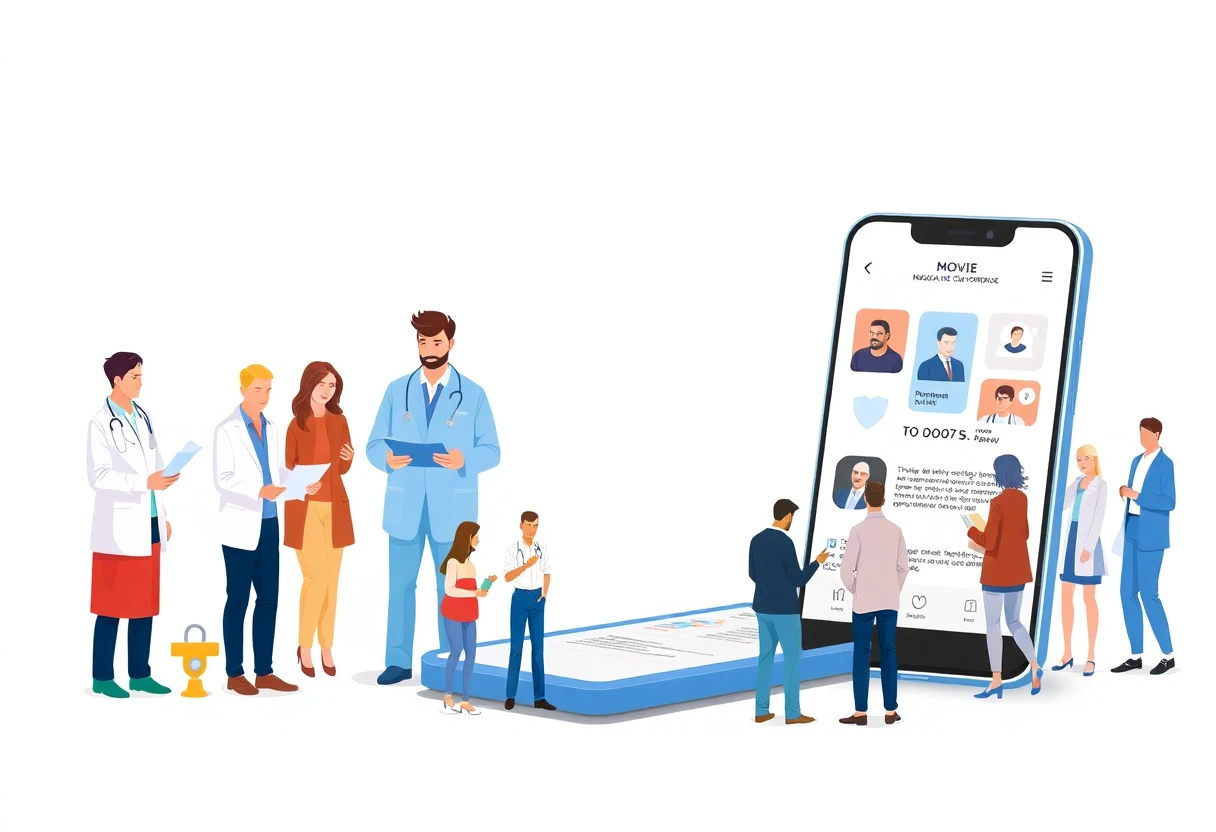
How to Find and Watch Movies on Your Phone
Choosing a movie on your phone used to mean scrolling through endless rows of thumbnails. Now mobile apps are borrowing the swipe-first design of short-form video. Netflix’s Clips feed, Peacock’s personalized Bravo feed, and new recommendation hubs put quick previews closer to the decision point. That matters when you have five minutes on a train—or simply cannot agree on what to watch.
How streaming apps changed on mobile
Streaming apps generally fall into three groups: paid subscription services, free platforms supported by advertising, and services that rent or sell individual movies. Subscription libraries may include recent films, classics, documentaries, original productions, and family programming, but the catalog differs by service and can change over time. Check the movie itself before subscribing; a platform’s headline library does not guarantee that the title you want is available.
Most major services let one account work across a phone, tablet, computer, and smart TV. Plans can differ by video quality, simultaneous viewing, advertising, and offline access. HD may be included in a lower tier, while 4K can require a premium plan. Free apps reduce the monthly cost but usually trade some control for advertising.
Mobile discovery is becoming its own product feature. Luminate reports that 57% of U.S. viewers ages 18–24 use short-form video to discover movies and shows, compared with 55% who browse inside streaming services. Netflix made its redesigned Clips experience available in the United States in late April 2026, and its October 2026 iPhone Duo update added a flexible home screen, adaptive player controls, and switching between vertical and horizontal clips.
Step 1: Pick the app that matches your habits
Start with three questions: what do you watch, how often do you watch, and how much are you willing to spend each month? A household that wants children’s movies needs a different catalog from someone seeking independent cinema, horror, or documentaries. Recent releases, older films, original productions, and live content may be split across separate services, so avoid paying for a library you rarely open.
Then check the practical details. Confirm supported devices, maximum resolution, subtitle and audio options, profile controls, and the rules for downloading movies. Offline viewing is especially useful during flights, train journeys, or unreliable service, but downloads consume phone storage and may be limited by the plan.
Connection quality matters as much as the advertised resolution. A fast, stable connection can support the highest available setting; a weak connection may play more smoothly at standard or medium quality. Review the current plan page before signing up because prices, tiers, and catalog access change.

Discovery tools are useful, but they should narrow your choices rather than decide everything for you. A swipeable clip can show tone, cast, or a memorable scene quickly, while the full title page supplies the information a short preview cannot: runtime, synopsis, age rating, actors, director, subtitles, and availability. Save promising movies to a watchlist instead of starting the first recommendation that appears.
Peacock’s Your Bravoverse, launched on October 13, 2026, illustrates how specialized feeds work. The mobile feature presents a personalized, swipeable stream of Bravo clips guided by an AI avatar of Andy Cohen, so it is aimed at viewers already interested in that programming rather than people browsing every movie genre. Peacock describes the feature and its launch date.
1. Define what you actually want to watch
Write down the categories you return to most often: action, comedy, drama, horror, animation, documentaries, independent films, or children’s content. Add practical preferences such as newer releases versus older movies, short runtimes versus long films, and dubbed audio versus subtitles. This list gives you a better test than a service’s most popular row.
Use the app’s profile settings to select favorite genres, then watch how recommendations change. Mark titles you genuinely want to see, remove suggestions that miss the mark when the app allows it, and keep separate lists for different situations, such as family viewing or late-night movies. Recommendation systems learn from your behavior, so random clicks can make the home screen less useful.
Before choosing a paid plan, search for three or four movies you would watch this month. Check whether each is included, rented separately, restricted to a higher tier, or unavailable in the United States. That small test is more revealing than a large catalog number.